Cockpit feature · Core
Customer Signature
Have the customer sign off on the job right on the tablet: legally sound, paperless, filed instantly.
Included from: Basis package
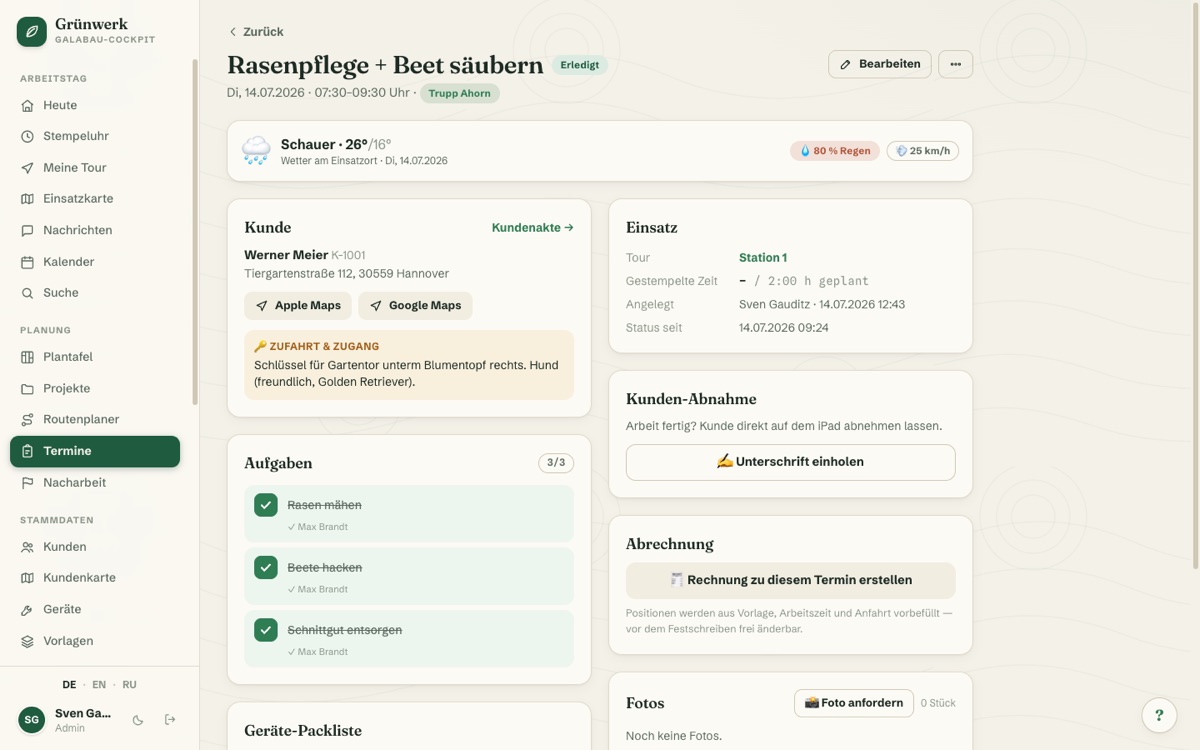
At the end of a job, the customer should confirm everything is done. Until now that meant a paper signature that then disappears somewhere in the van or office. With the digital customer signature, the customer signs right on the tablet or phone.
The signature is automatically linked to date, time and job, and filed straight into the customer record: always findable, no more lost paperwork.
Sign-off on iPad or phone
The customer signs right on the device, linked to date, time and appointment.
No more lost paperwork: the signature is stored safely in the file.
See it live in the demo
After signing: "Create invoice?"
The sign-off turns into an invoice draft: items from the template, time from the clock.
Sent directly or routed to the boss for approval, depending on permissions.
More about Invoices & XRechnung (e-invoicing)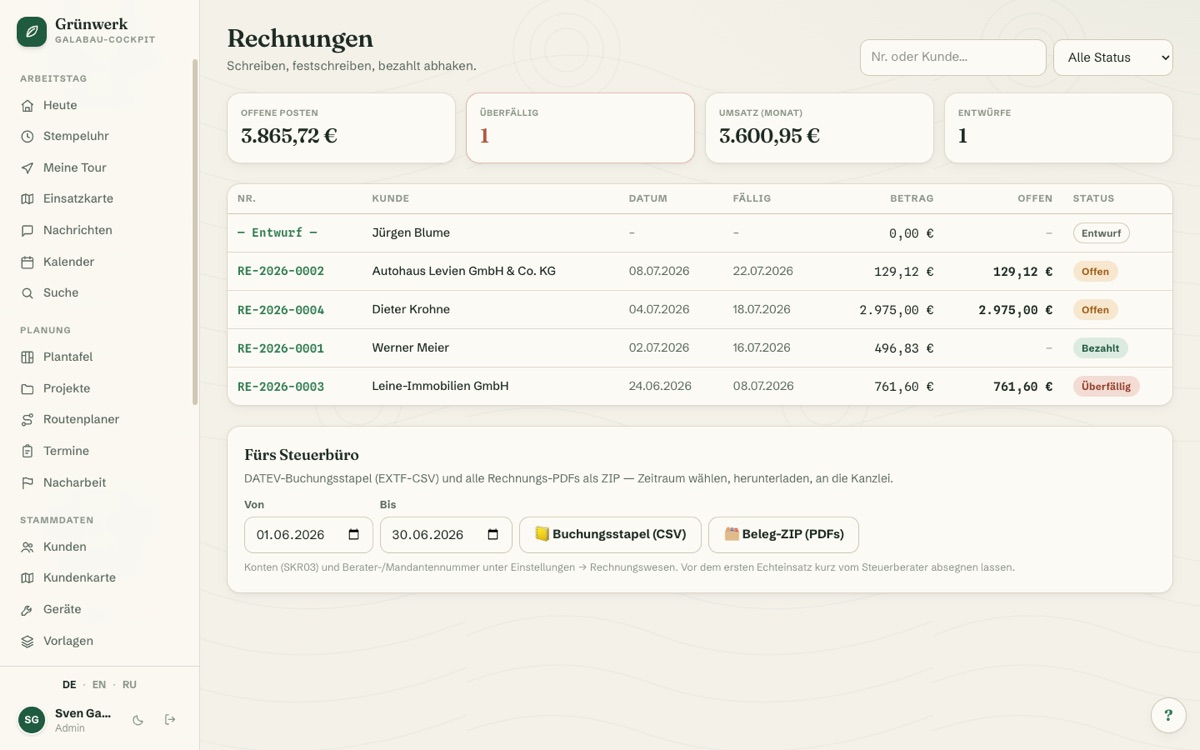
Covered when questions come up
Who signed off on what, and when? The file answers in seconds.
Combined with photo documentation, the handover state is on record.
See it live in the demo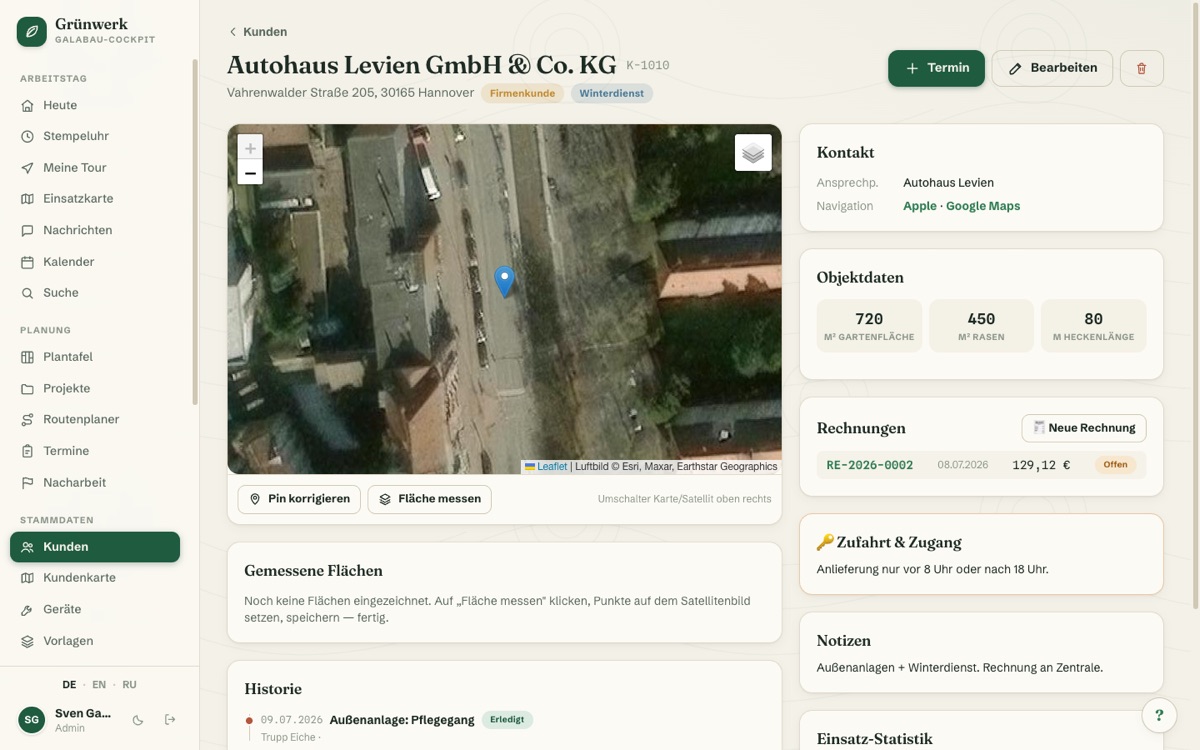
What it does
- Sign directly on tablet/phone
- Automatically linked to job & appointment
- Legally sound proof of acceptance
- No paperwork, no risk of loss
- Instantly visible in the customer file
Discover more features
Included in these trade solutions
Ready-to-run trade systems built on this feature.
Try it yourself — no registration
Every trade has its own live demo with sample data. Or pick your package right away: the whole team is included.