Cockpit feature · Review Management
Review Management — Turning Good Work into Google Stars
After every completed job, the Cockpit automatically asks for a Google review: with a delay, a minimum interval per customer, and a thank-you page that redirects straight to Google. No star-rating inside the app.
Add-on · €9.99/mo — included in Premium
Great work often goes unrewarded with a fresh Google review, simply because nobody remembers to ask for one in the middle of a busy day. The Cockpit takes over the asking: as soon as an appointment is marked "done", it automatically schedules a review request, with a configurable delay (e.g. three days), so the impression is still fresh without the email already sitting in their inbox on the drive home.
So maintenance-contract regulars don't get a new request after every single visit; a minimum interval per customer (e.g. 180 days) applies too, no matter how many appointments are completed in between. To trigger a request by hand instead, right after a particularly happy conversation with a customer, just click "Request a review" in the customer file. One click, sent immediately, no waiting for the delay or the interval.
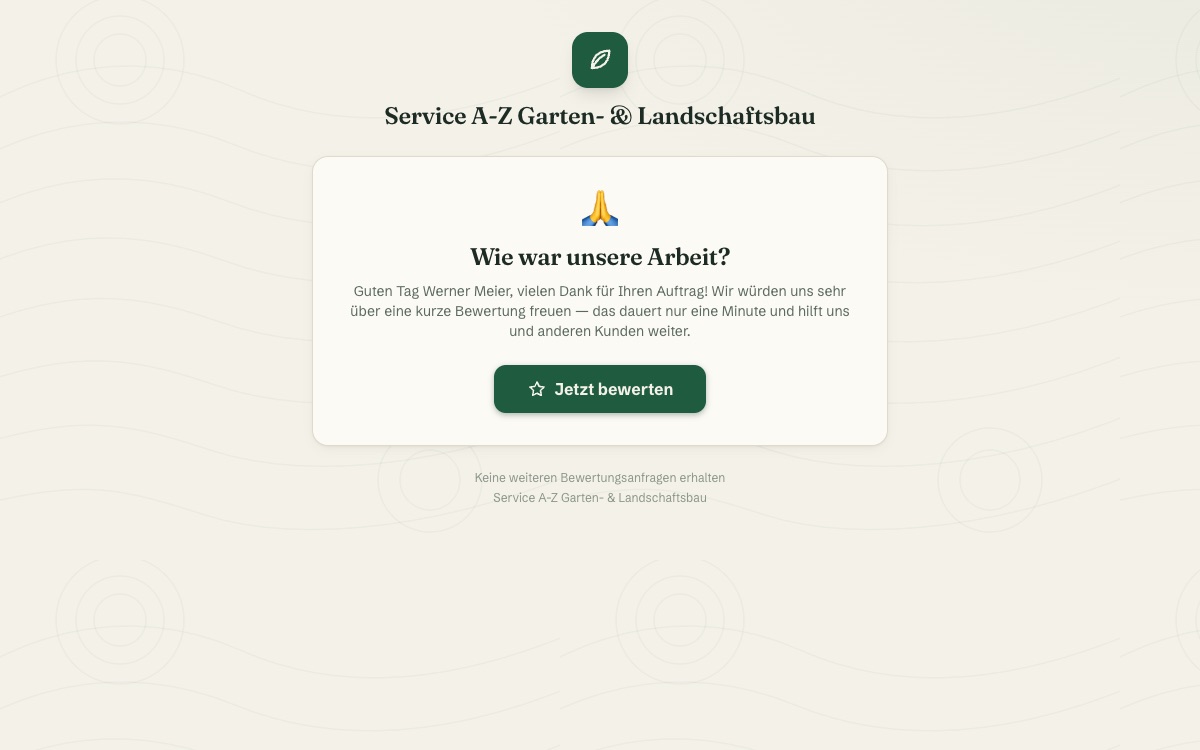
Following the link in the email, the customer lands on a dedicated thank-you page with a personal greeting and one large button straight to your Google review link. No star-rating widget inside the Cockpit, no filtering by sentiment beforehand, just an honest, direct path to Google. Every click is recorded and the click-through rate sits ready on your dashboard. Anyone who doesn't want further requests can unsubscribe permanently via a link in every email, cleanly logged and GDPR-compliant.
Requested automatically once the job is done
Once an appointment is marked "done", the Cockpit automatically schedules the review request, with a freely chosen delay, for example three days, so the impression stays fresh.
If you like, every customer signature can trigger one too. Handy when satisfaction is already visible right at the on-site hand-over.
More about Customer Signature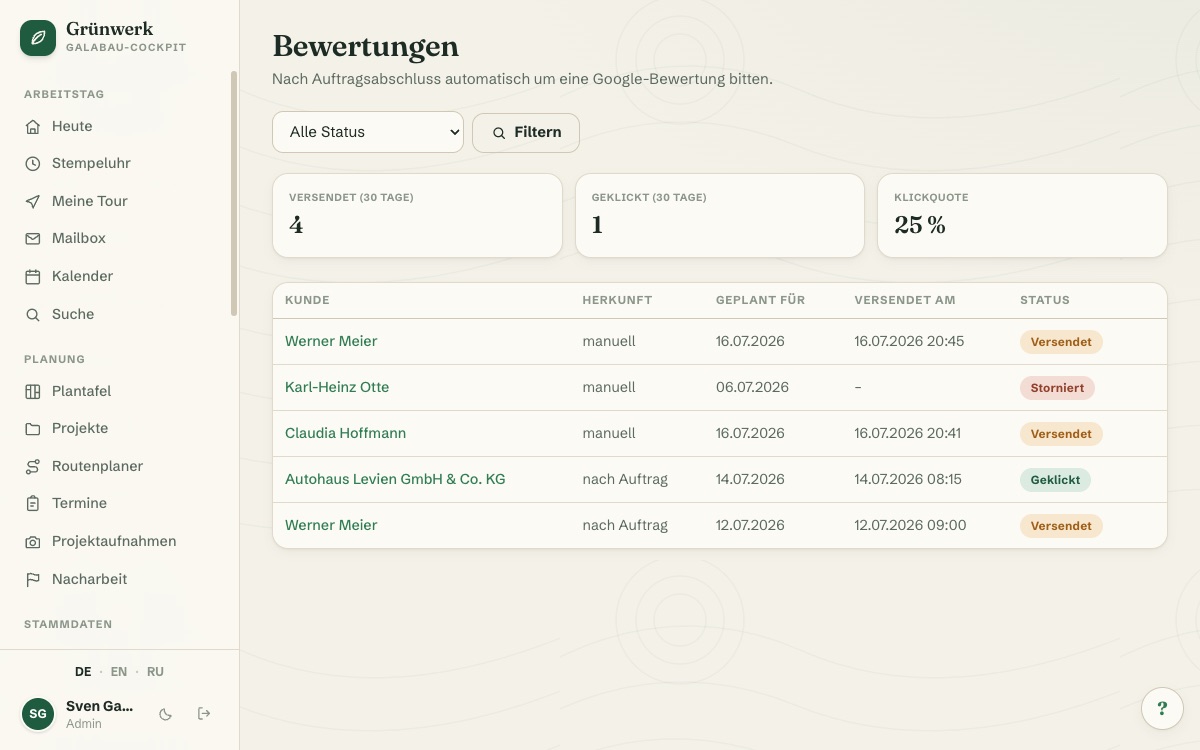
A thank-you page that leads straight to Google
The customer opens the email link without any login and lands on a personally addressed thank-you page, much like the public quote acceptance page.
One large button leads straight to your Google review link. No star-rating widget inside the Cockpit, no filtering beforehand, just an honest, direct path.
More about Quotes & Calculation — From Site Visit to Signed Job
One click in the customer file, sent immediately
Alongside the delay and the minimum interval, there's a manual route too: "⭐ Request a review" right in the customer file, independent of every automatic rule.
If a customer has no email on file or has opted out, the button shows "Request not possible". This rules out accidental sends.
See it live in the demo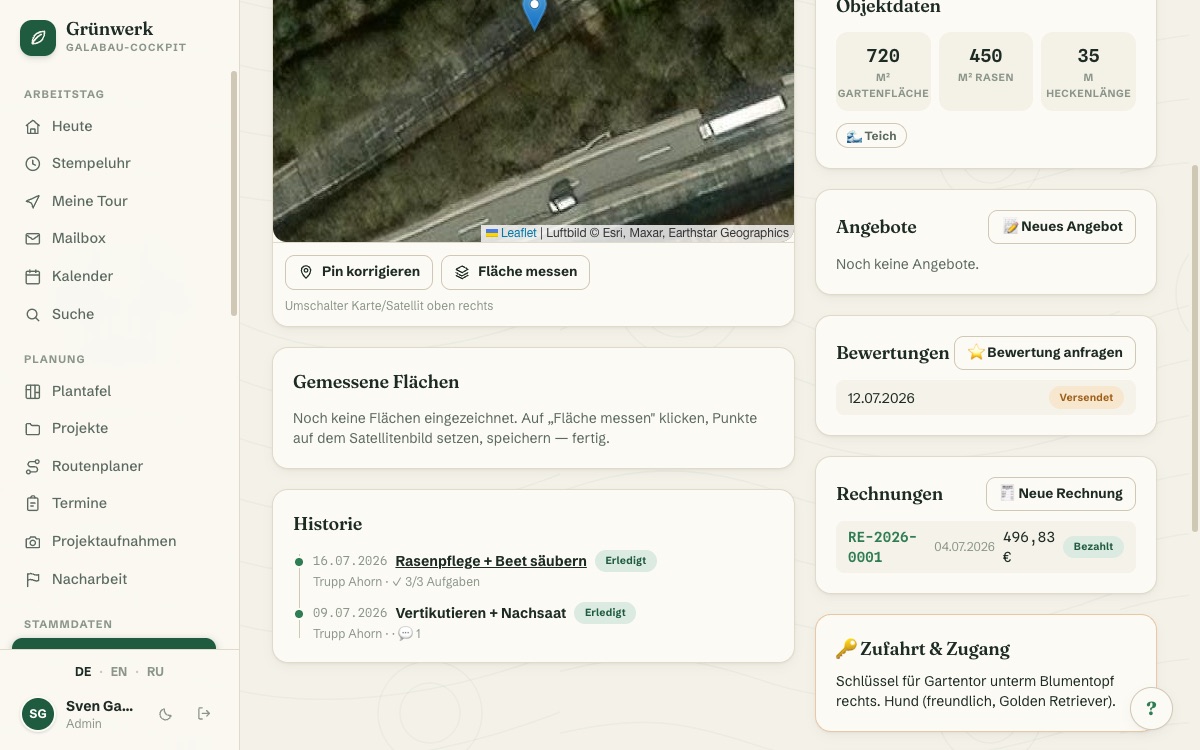
Rules and mail text, entirely to your own taste
Delay after completion, minimum interval per customer, whether a signature triggers one too: all of it is set in the settings, not in the code.
Subject and mail text are freely editable, with placeholders for {name}, {firma} and {link}. Leave the text empty and a built-in default takes over.
See it live in the demo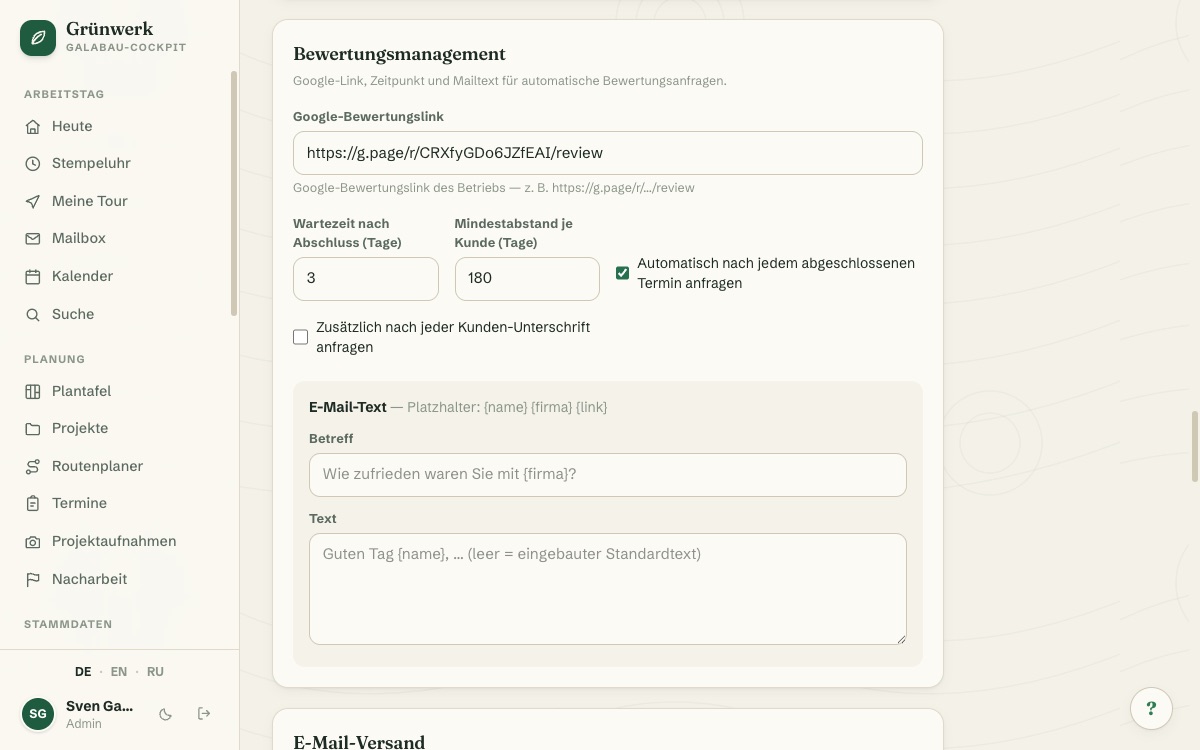
Unsubscribe with one click, documented cleanly for GDPR
Every email carries an unsubscribe link. One click, one confirmation, and the customer permanently stops receiving review requests, with no need to call the office.
The only thing ever recorded is whether the Google link was clicked. The Cockpit never sees which rating the customer actually leaves. Sent, clicked and click-through rate sit ready on the dashboard.
See it live in the demo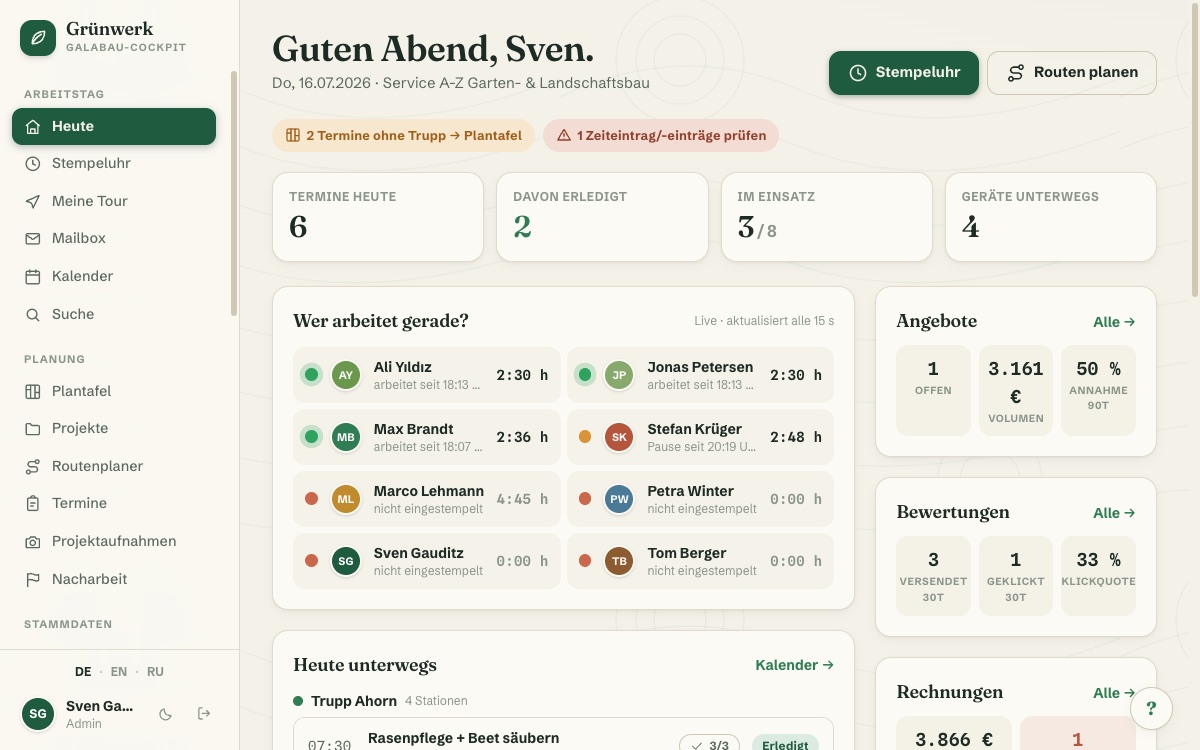
What it does
- Starts automatically as soon as an appointment is marked "done"
- Delay after completion freely configurable (in days)
- Minimum interval per customer — nobody gets request after request
- Optional extra trigger: automatically after every customer signature
- Manual one-click send from the customer file, any time
- Public thank-you page with a personal greeting, no customer login required
- One large button straight to your own Google review link — no star-rating gate
- Subject & mail text freely editable with placeholders {name}, {firma}, {link}
- Unsubscribe link in every email, opt-out saved permanently on the customer
- KPIs on dashboard and list: sent, clicked, click-through rate (30 days)
Discover more features
Included in these trade solutions
Ready-to-run trade systems built on this feature.
Try it yourself — no registration
Every trade has its own live demo with sample data. Or pick your package right away: the whole team is included.